Canva Designers vs Graphic Designers
In the world of graphic design, an ongoing debate surrounds the use of Canva and similar design tools. Canva has become widely accessible, enabling almost anyone to create visual content with ease. However, professional graphic designers often argue that using Canva does not equate to being a designer. Let us go into this issue. We’ll look into the reasons for the disagreement. We will also discuss Canva’s pros and disadvantages. We’ll learn why the distinction between “Canva designers vs graphic designers” is important.
Canva has changed how people design, making it easy for millions around the world. Nonetheless, this ease has led to a debate in the design community: Are Canva users considered graphic designers? Let’s explore this complicated issue and see why the answer is not straightforward.
Canva Designers vs Graphic Designers
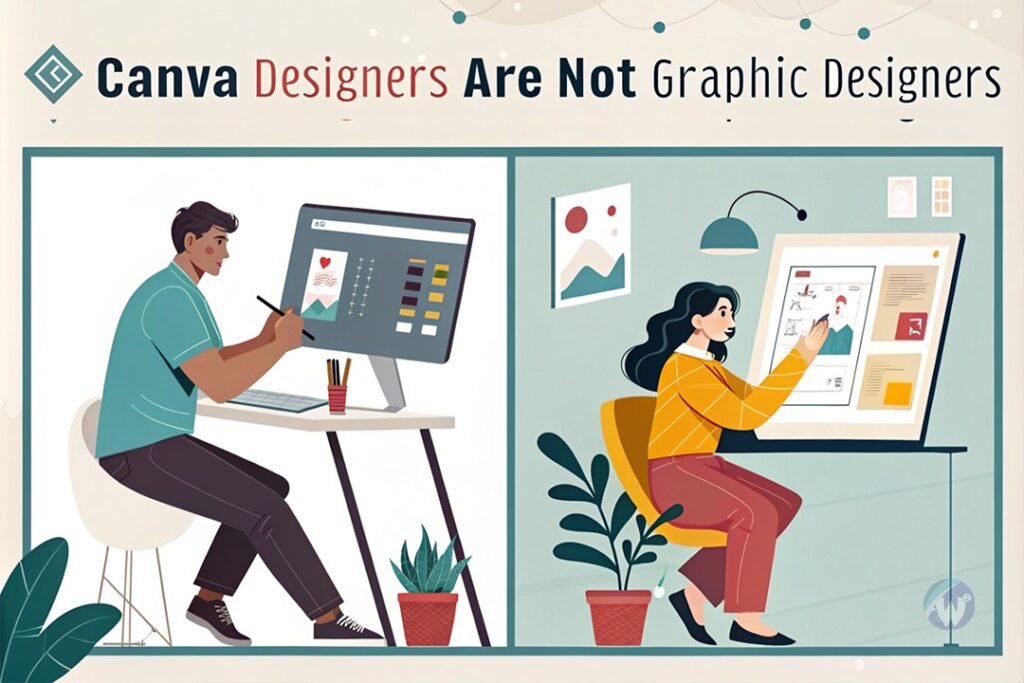
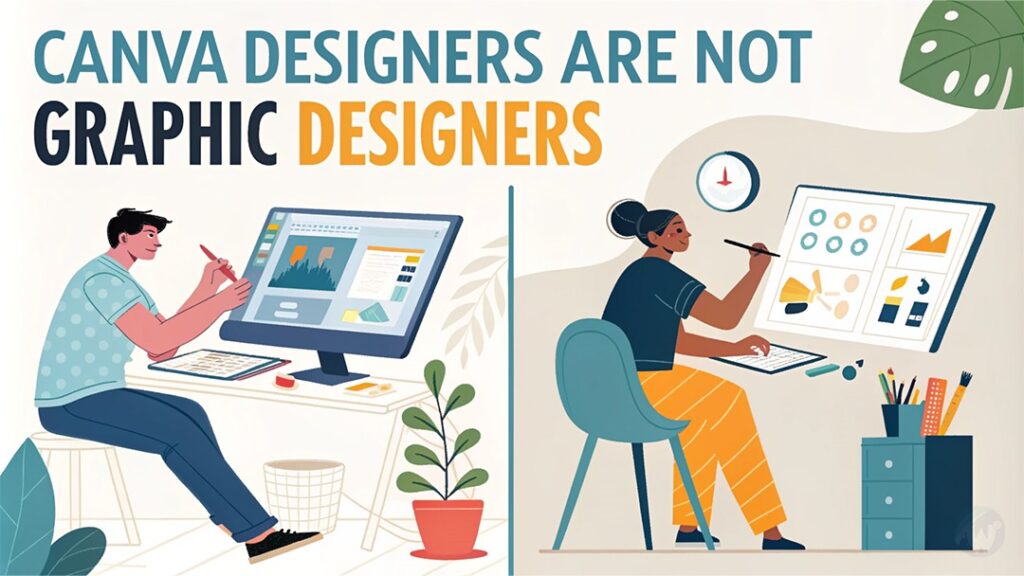
Canva Designers Are Not Graphic Designers
Canva Designers
Tools & Skills
- Template-based design approach
- Basic drag-and-drop interface
- Limited customization options
- Pre-made design elements
Best Suited For
- Social media posts
- Basic marketing materials
- Internal communications
- Quick design needs
Limitations
- Restricted typography options
- Basic layout constraints
- Limited brand identity implementation
- Template dependency
Professional Designers
Education & Expertise
- Formal design education
- Color theory expertise
- Typography mastery
- Advanced software proficiency
Capabilities
- Custom brand development
- Strategic design solutions
- Complex illustrations
- Print production knowledge
Value Added
- Original concept creation
- Strategic thinking
- Brand consistency
- Technical expertise
The Rise of Canva and Its Impact
Canva’s meteoric rise has democratised design tools, allowing anyone with an internet connection to create visually appealing content. While this democratisation has its benefits, it has also led to some misconceptions about what makes up professional graphic design.
The Fundamental Differences
- Education and Skill
- Professional graphic designers typically spend years studying design principles, colour theory, typography, and visual hierarchy.
- Canva users often jump straight into design without understanding these fundamental concepts.
- The learning curve for professional design software like Adobe Creative Suite is steep for a reason.
- Creative Process
- Graphic designers start with research, sketches, and concept development.
- Canva users typically start by browsing templates.
- Professional designers create unique solutions; template users adapt existing ones.
Why Canva Isn’t a Replacement for Professional Design
Limited Customisation
Professional designers often express frustration with Canva’s limitations:
- Restricted typography options
- Basic layout constraints
- Limited brand identity implementation
- Simplified colour management systems
Template Dependency
While templates can be helpful, they introduce several challenges:
- Risk of generic-looking designs
- Difficulty in achieving unique brand identity
- Limited ability to create truly original concepts
- Potential for multiple businesses using similar designs
The Benefits of Canva
Despite its limitations, Canva serves important purposes:
Educational Value
- Perfect for students learning basic design concepts
- Helps understand layout principles
- Provides a stepping stone to more advanced design tools
- Makes design accessible to those with limited resources.
Business Applications
- Ideal for small businesses with limited budgets
- Great for quick social media content
- Useful for internal communications
- Effective for basic marketing materials
The Professional Perspective
What Professional Designers Think
Many graphic designers acknowledge Canva’s place in the design ecosystem while maintaining clear boundaries:
- It’s a useful tool for basic design needs.
- Not suitable for complex branding projects
- Can’t replace professional design skill
- Valuable for specific use cases
The skill gap
Professional graphic design involves:
- Strategic thinking
- Brand development
- Custom illustrations
- Complex typography
- Print production knowledge
- User experience design
Is Canva a Threat to Graphic Designers?
The short answer is no. Here’s why:
- Different Market Segments
- Canva serves DIY designers and small businesses.
- Professional designers work with clients needing custom solutions.
- The tools serve different purposes and audiences.
- Complementary Tools
- Some professional designers use Canva for quick mockups.
- It can streamline certain aspects of the design process.
- Helps focus professional time on complex projects
The Future of Design
Evolving Roles
- Professional designers focusing more on strategy and complex projects
- Canva filling the gap for basic design needs
- Hybrid approaches emerging in the industry
Recommendations
For Students:
- Use Canva to learn basic design principles.
- Don’t rely solely on templates.
- Study fundamental design theory.
- Consider it a stepping stone, not a final destination.
For Businesses:
- Understand when to use Canva vs. hiring a professional
- Consider brand consistency and uniqueness.
- Evaluate project complexity and requirements.
- Budget appropriately for design needs.
Conclusion – Canva Designers vs Graphic Designers
While Canva is an excellent tool for certain purposes, it doesn’t transform users into graphic designers. True graphic design requires extensive knowledge, experience, and creative problem-solving abilities that go far beyond template manipulation. Do not view Canva as a threat to professional design. It is more precise to see it as a complementary tool. It serves a different market and purpose.
The distinction between Canva users and graphic designers isn’t about elitism. It’s about recognising and valuing the depth of skill. Creativity is what professional designers bring to their work. The design industry is evolving. There’s room for both Canva and professional graphic design to coexist. They can serve their respective purposes.
Remember: Just as using a calculator doesn’t make someone a mathematician, using Canva doesn’t make someone a graphic designer. Both tools are valuable, but they serve different purposes and need different levels of skill to use effectively.